
ProfileFunnels
How to add a CONSISTENT stream of FREE LEADS to your business...just by making a few simple tweaks to your Facebook profile!
Amber & Christian


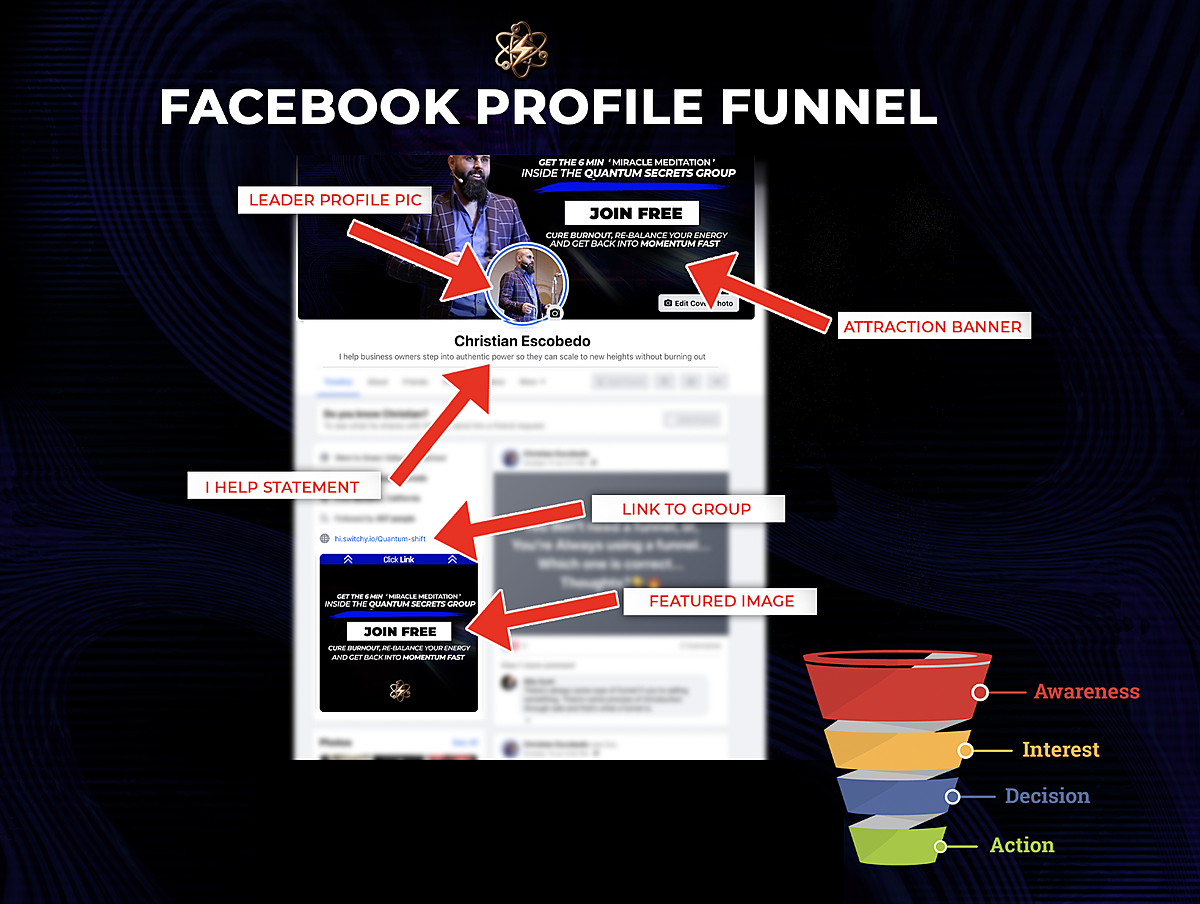
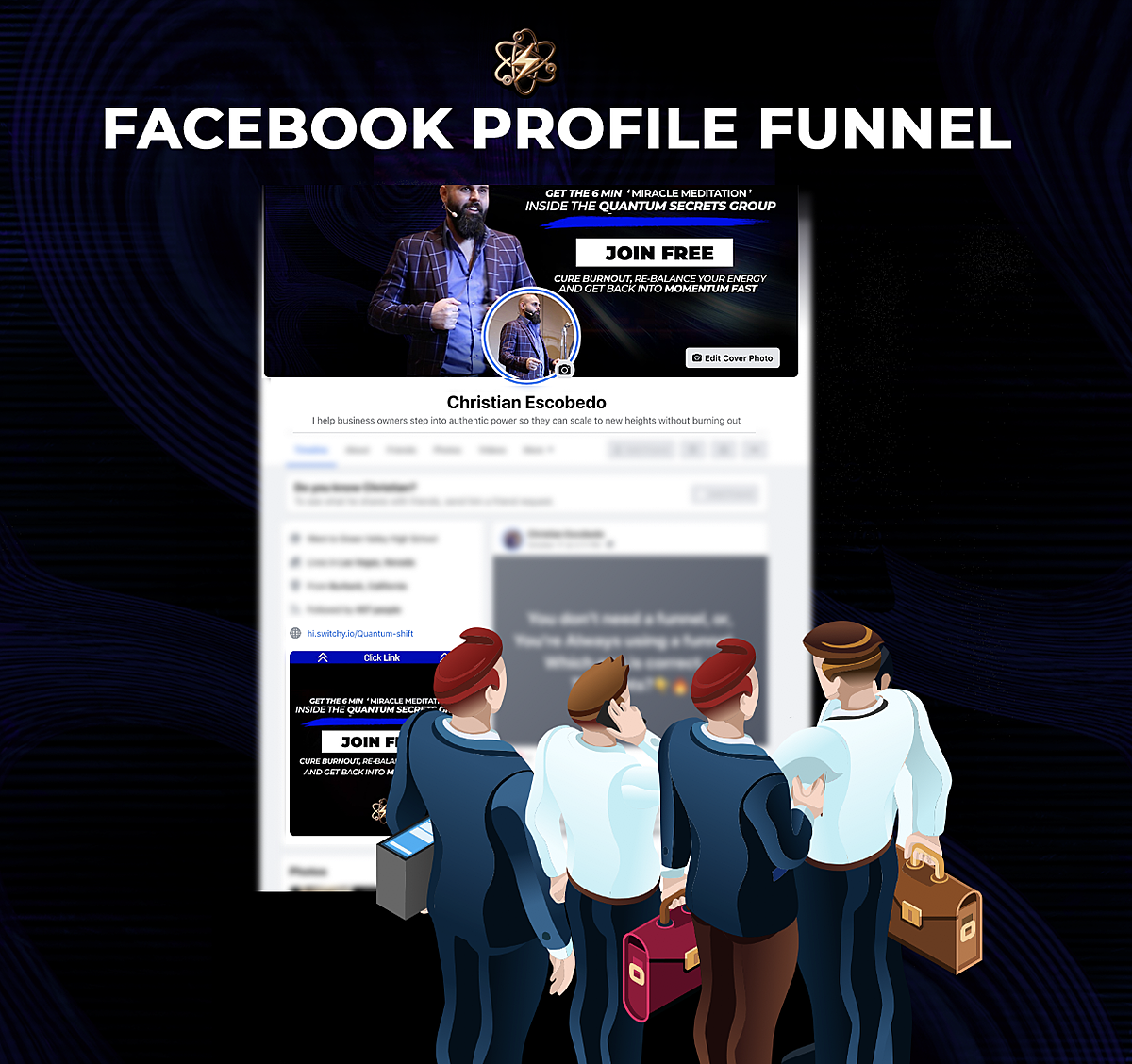
Everything you do online is an asset to your business. Even your personal facebook profile. If done right your profile can bring a consistent stream of leads to your business. You can easily set up a “lead magnet” from your personal facebook profile. This will bring new people to your pipeline. In this instruction manual we will show you exactly how to set up your profile funnel and how to maximize it's reach.
Below is an example of the setup and how we get leads to our business from our profile funnel.
|
EVEN THOUGH YOU CAN’T SEE THEM... Many People are looking at your profile! Every time you post, comment or share on social media...It generates a crowd of “profile visitors”...and every single one is a chance to help and ultimately grow your business! |
|
Even if you're not that “active" on social media... ??? You still have a natural flow of potential customers passing by your profile every single day. And if your profile isn't set up & optimized to capture those potential customers...You’re missing out BIG TIME! |
Adding Your Profile Cover Photo
1. Make Your Attraction Profile Banner
Click Here To Access The Canva Template
Dimensions: Facebook Cover Photo Dimensions. According to Facebook, your cover photo displays at 820 pixels wide by 312 pixels tall
Example Of High Converting Banner:
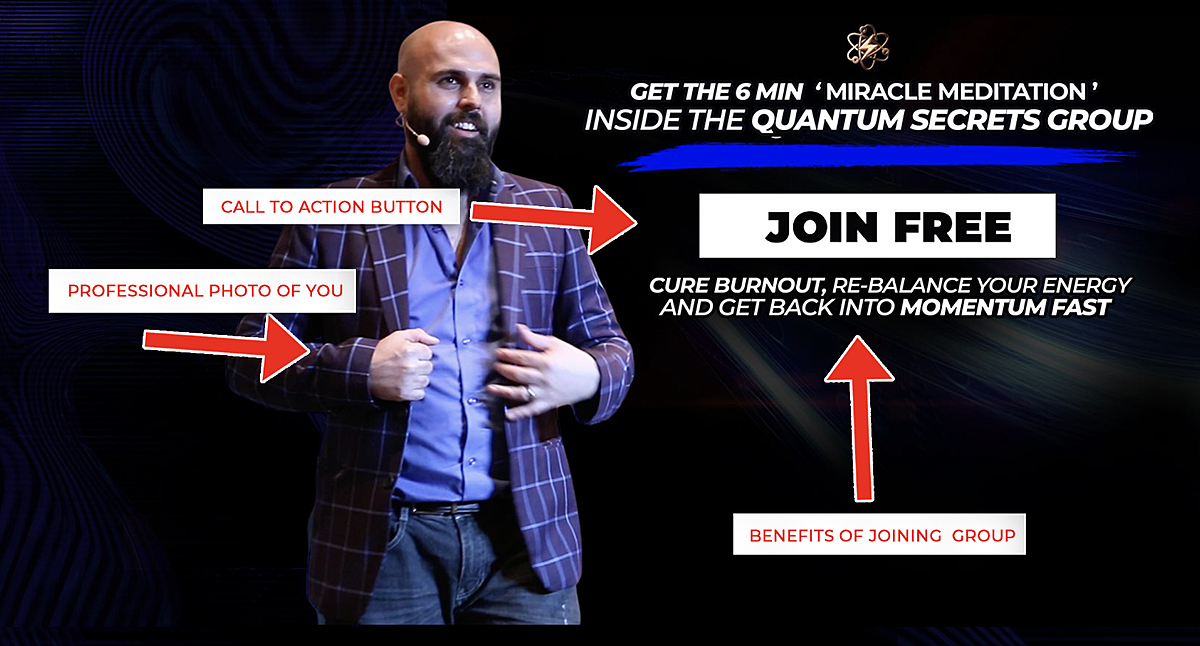
Tools For Building Your Banner
Use the tools provided to build your Banner
>>>> Color Wheel
>>>> Duo Tone Images
>>>> Remove Background
>>>> Canva Share Link
>>>> Top Converting Headline Ideas
Adding Your Profile Cover Photo
1. Click on Edit Cover Photo
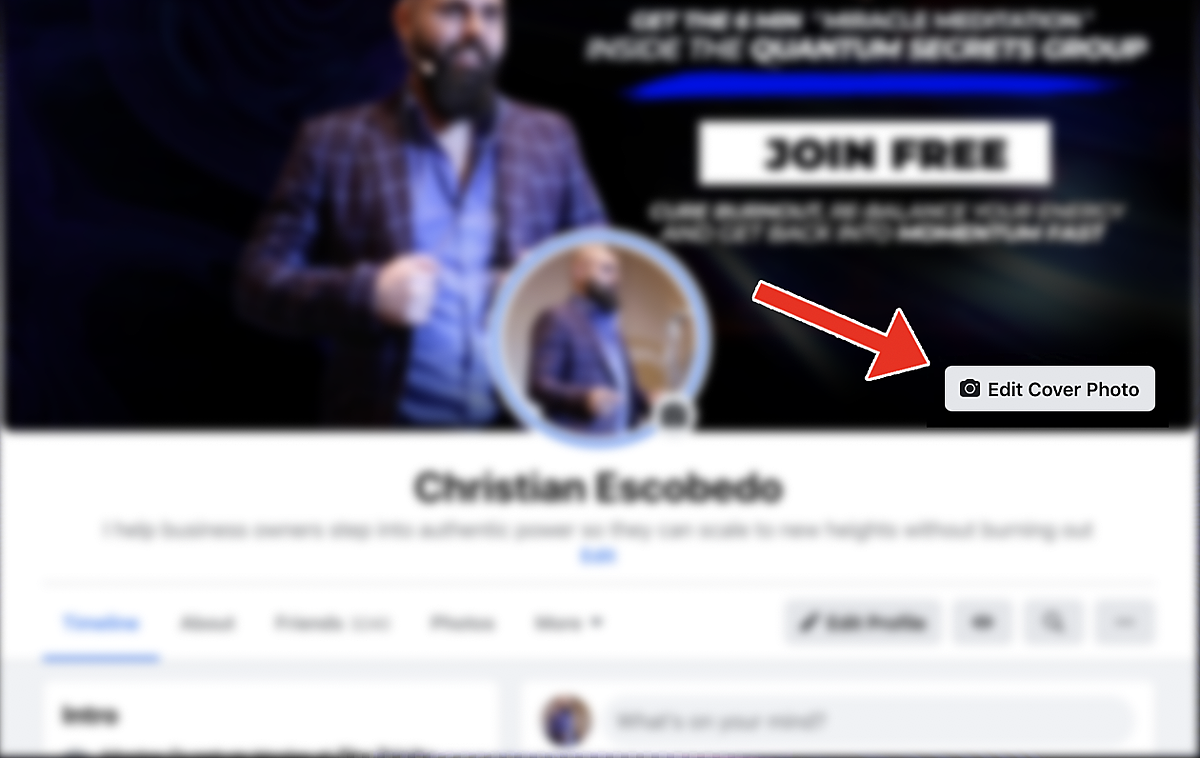
Adding Your Profile Cover Photo
2. Upload your new Cover Photo
Adding Your Profile Cover Photo
1. Click on "Edit" tab to add discription
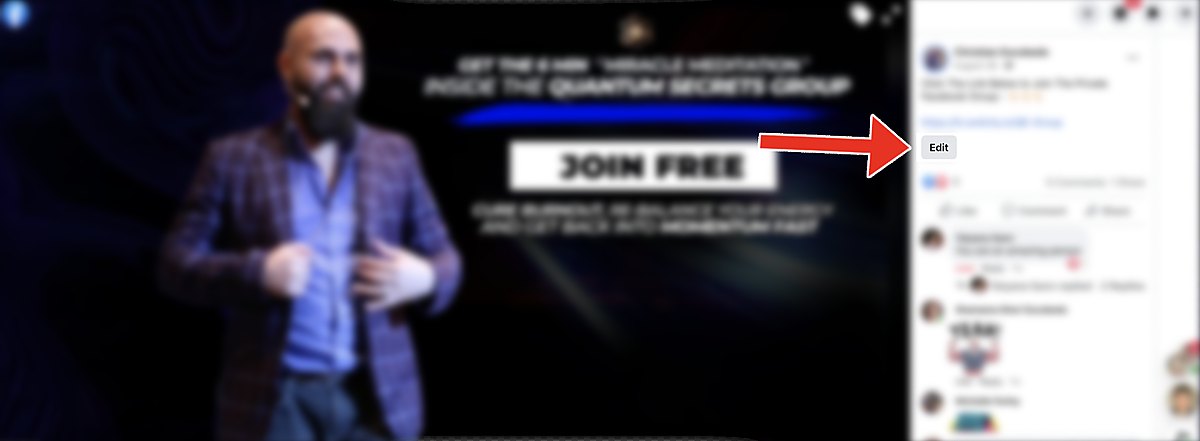
Adding Your Profile Cover Description
2. Add new description to your cover photo
COPY & PASTE IN THE COVER IMAGE DESCRIPTION
Want to (Insert Niche Desire) without (Insert Niche Pain)
join our FREE Facebook (Insert Group Name) to learn more...
(YOUR LINK HERE)
Example:
Want to live with a healthy & fit body... without diets or gym routines?
Busy Mom pulls back the curtain on the radical system to get it done... in 2020
join our FREE Facebook Group Happy & Healthy to learn more...
(YOUR LINK HERE)
Ex link:
https://happyhealthy.fun/amber-invite
Adding Your Profile Cover Photo
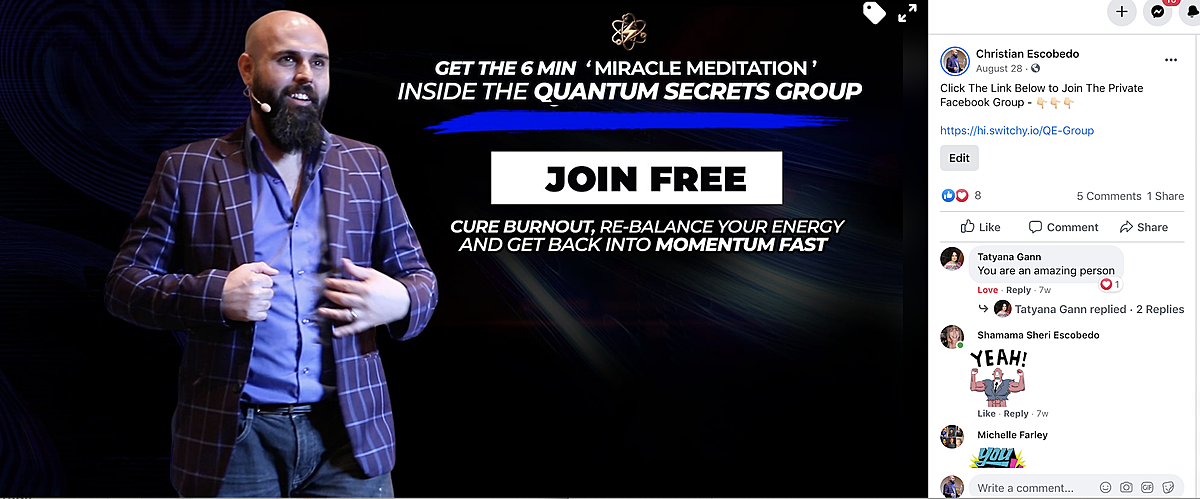
3. Once you've updated your description it should look like this
Example 1:
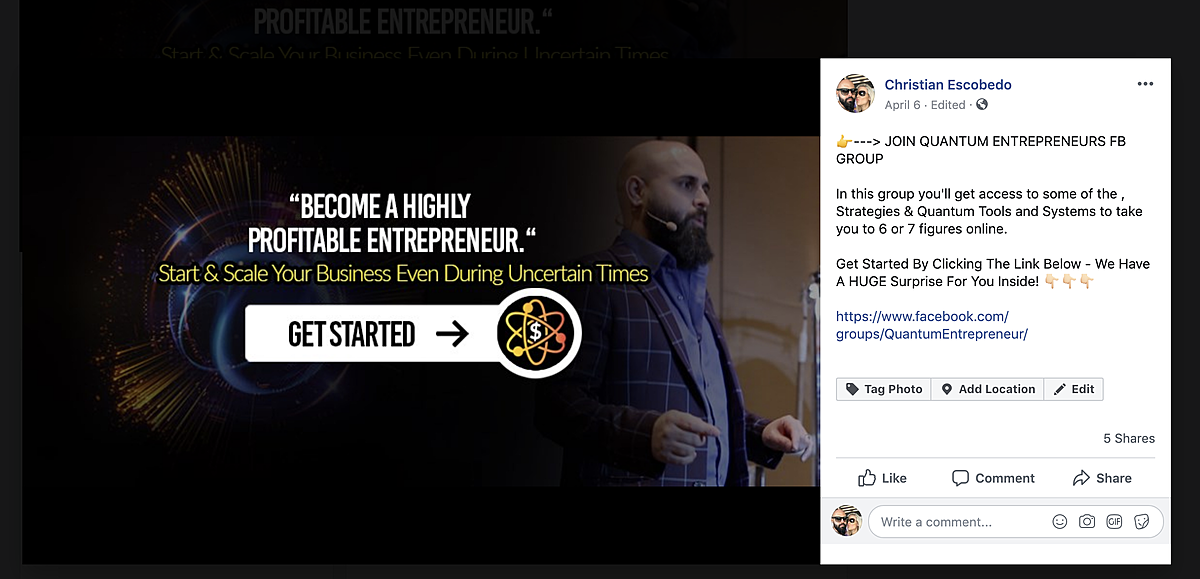
Example 2:
Featured Image
1. Create Your Featured Image
Click Here To Access Featured Image Canva Share Link
Dimensions: 1200 x 1200
Example:
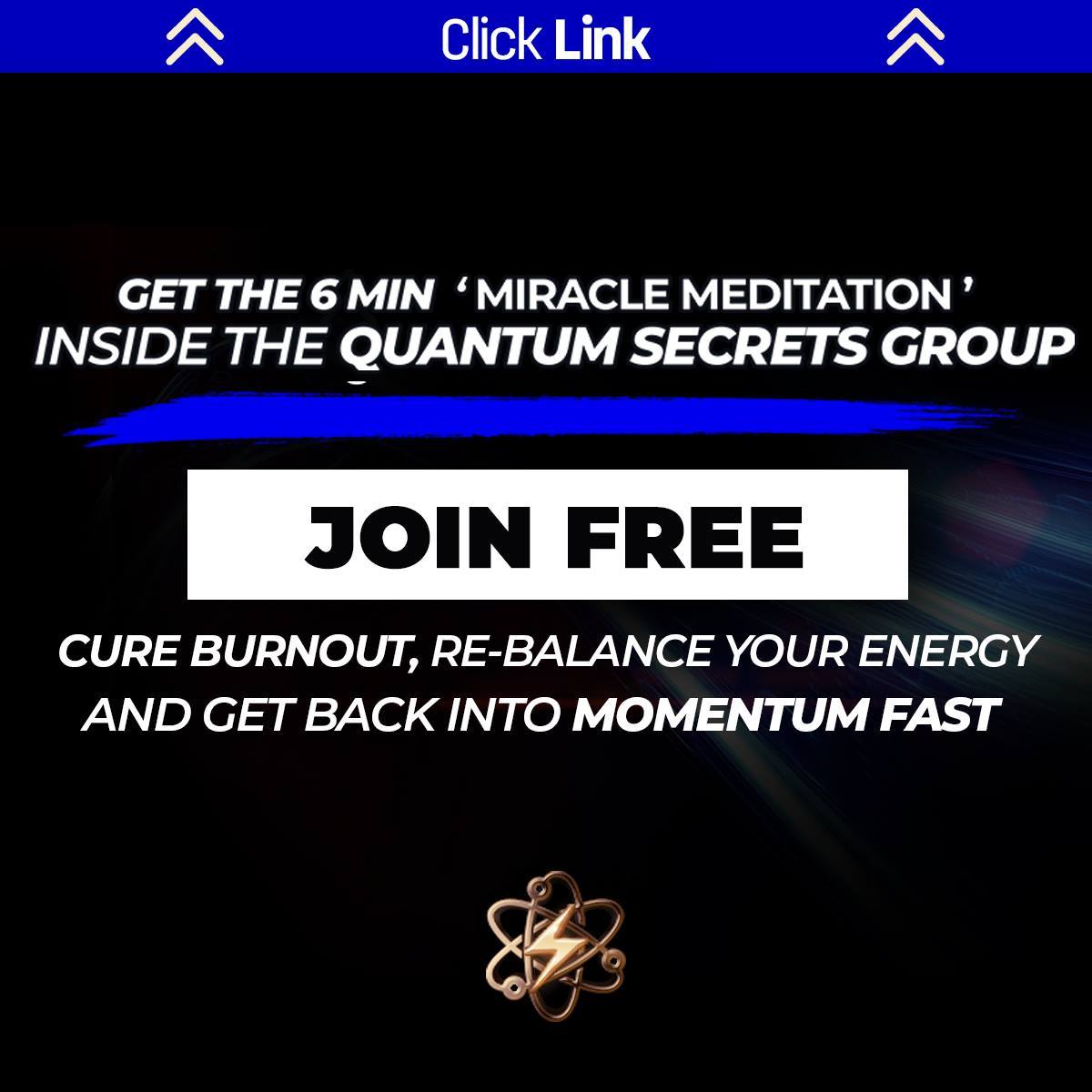
Example:
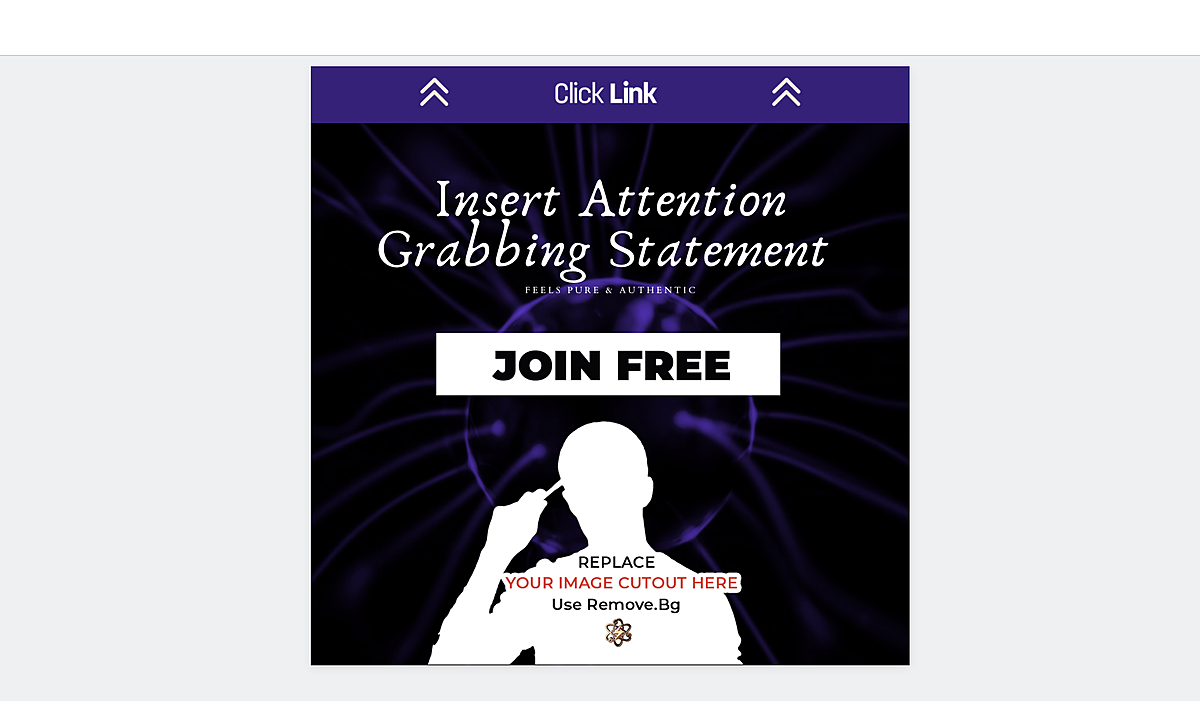
Adding Your New Featured Image
2. Add Your New Featured Image
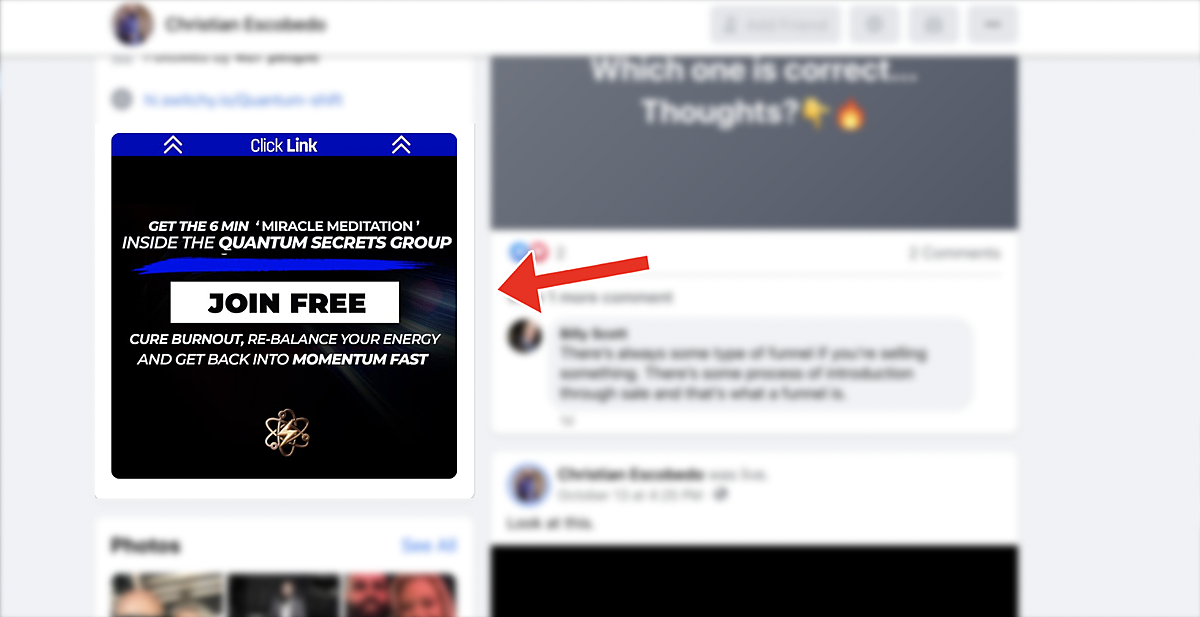
Adding Your New Featured Immage
3. Click on the "Edit Featured" button
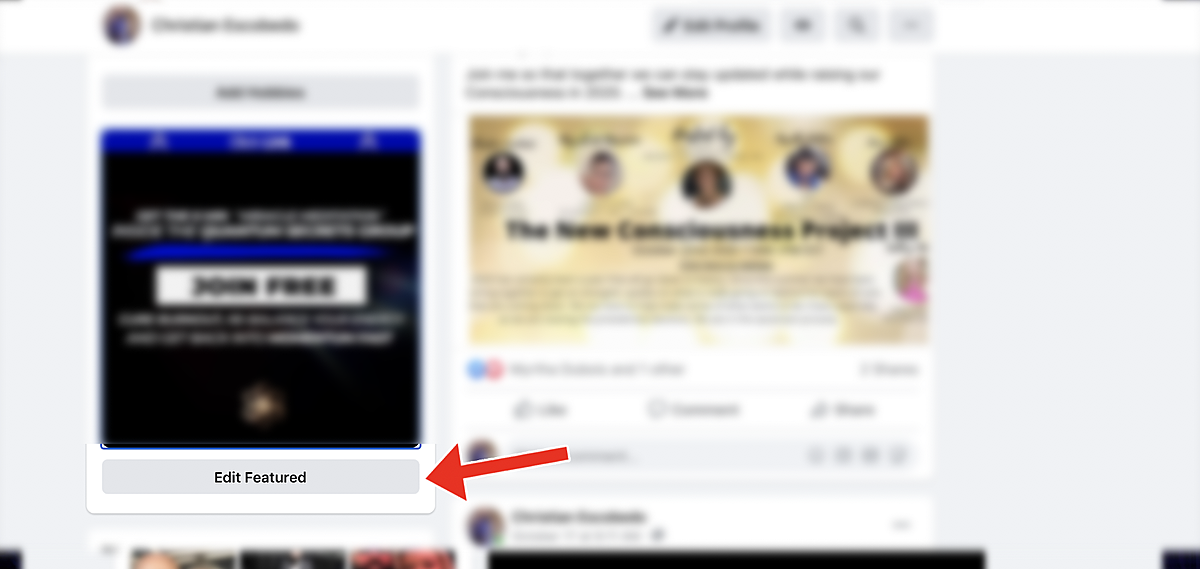
How To Add The Featured Image
2. Click on Upload Photo and add the new Featured Image
*You might need to delete any other featured images you want to only have one to get the proper layout.

How To Add The Featured Image Description
1. Go back to your Facebook Profile after uploading.
2. Now, If you click on the Featured Photo you will see an edit tab
(See Graphic Below)
3.Click on "Edit" and add the provided description and your personal link.
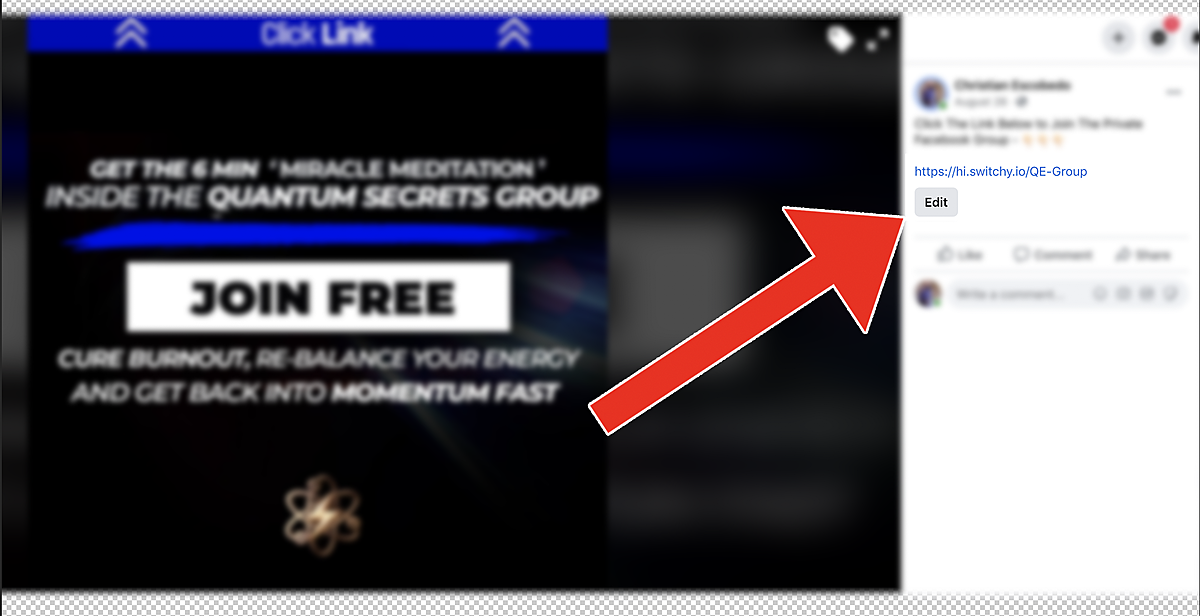
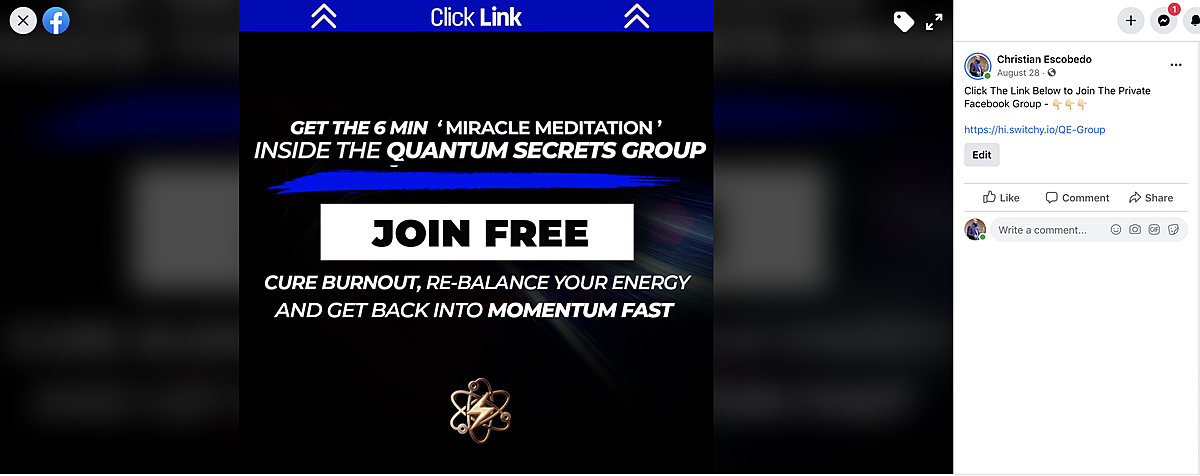
COPY & PASTE IN THE FEATURED IMAGE DESCRIPTION
Click The Link Below to Join The Private Facebook Group - 
(YOUR LINK HERE)
Ex link
How To Add The Featured Image Description
After everything is complet it should look similar to this.
How to add your "We Help Statement" or Bio Description
1. Click on Edit Bio
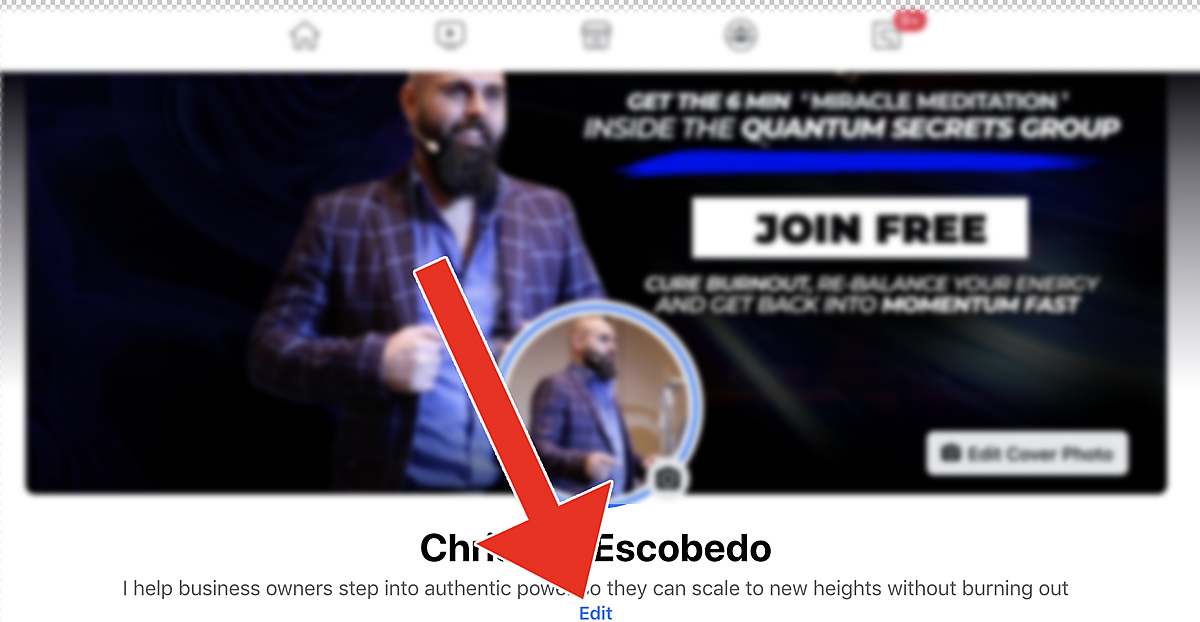
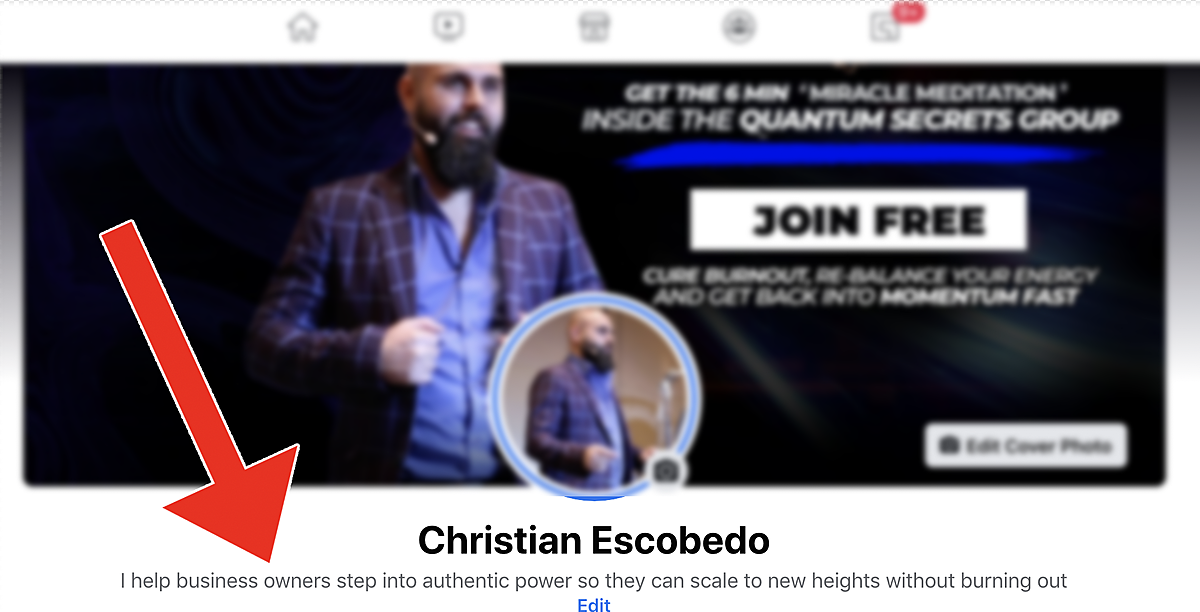
How to add your "We Help Statement" or Bio Description
1. Add the description provided below
COPY & PASTE DESCRIPTION BELOW
I Help (Insert Niche Here) Get (Insert Desired Results) Without (Insert Problem they no longer want)....
How to add your "We Help Statement" or Bio Description
2. After you post the new "Bio Description" it should look like the images below
How to add your Link
1. Add your personal link to you profile
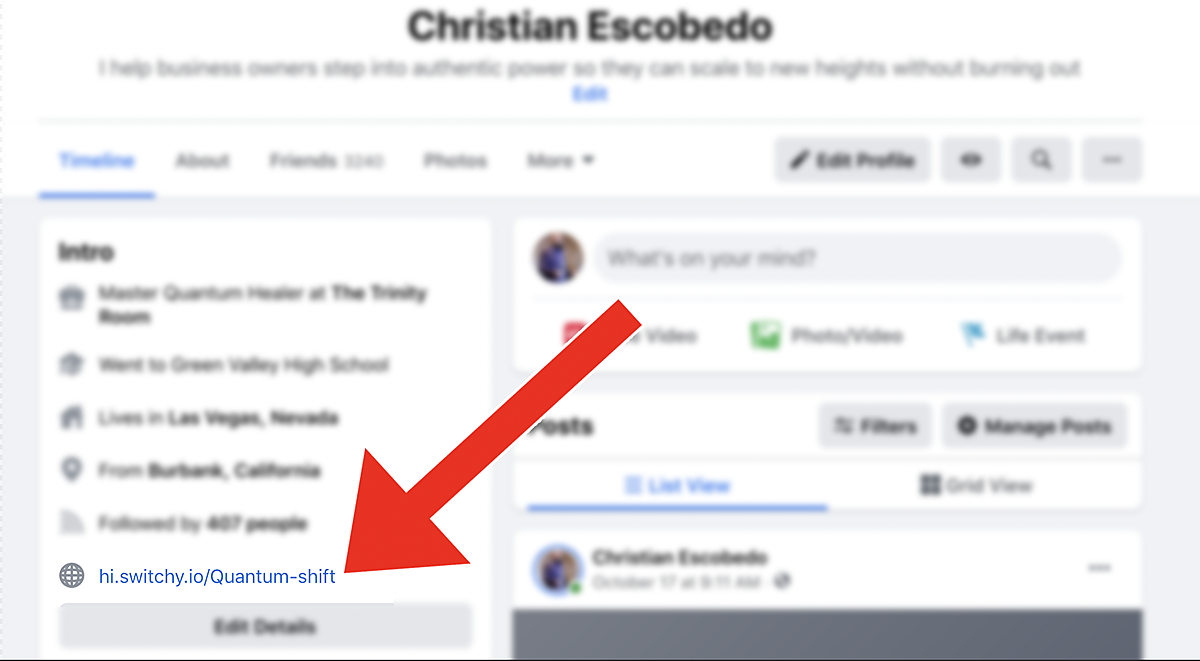
Step 5.
How To Add Your Link
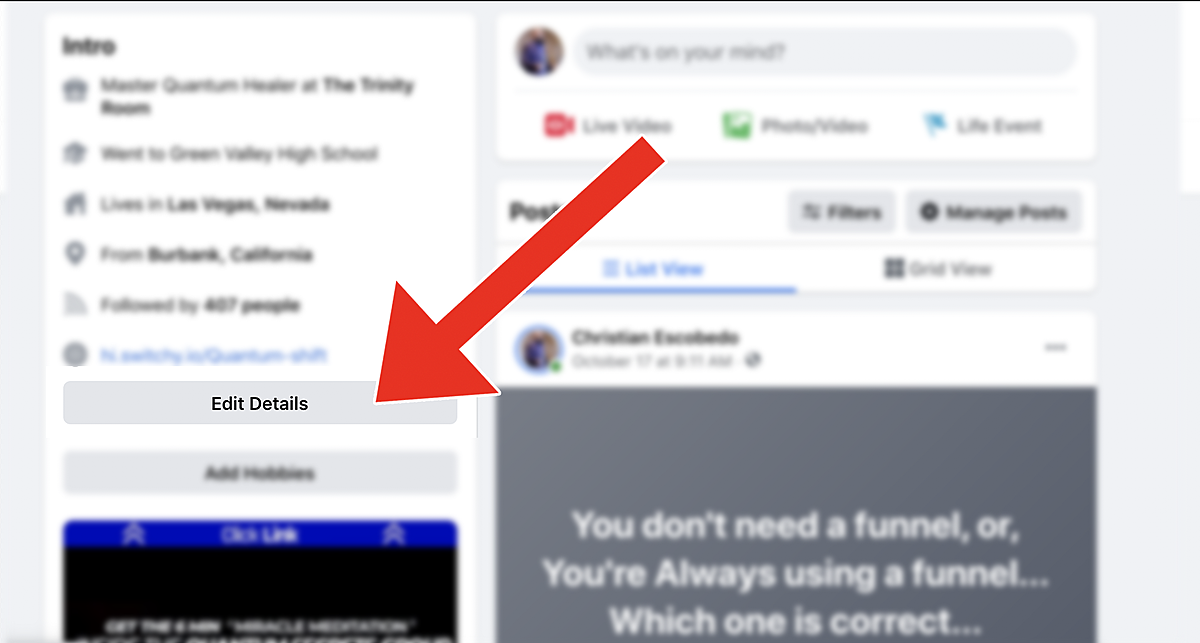
1. Click on Edit Details
How To Add Your Link
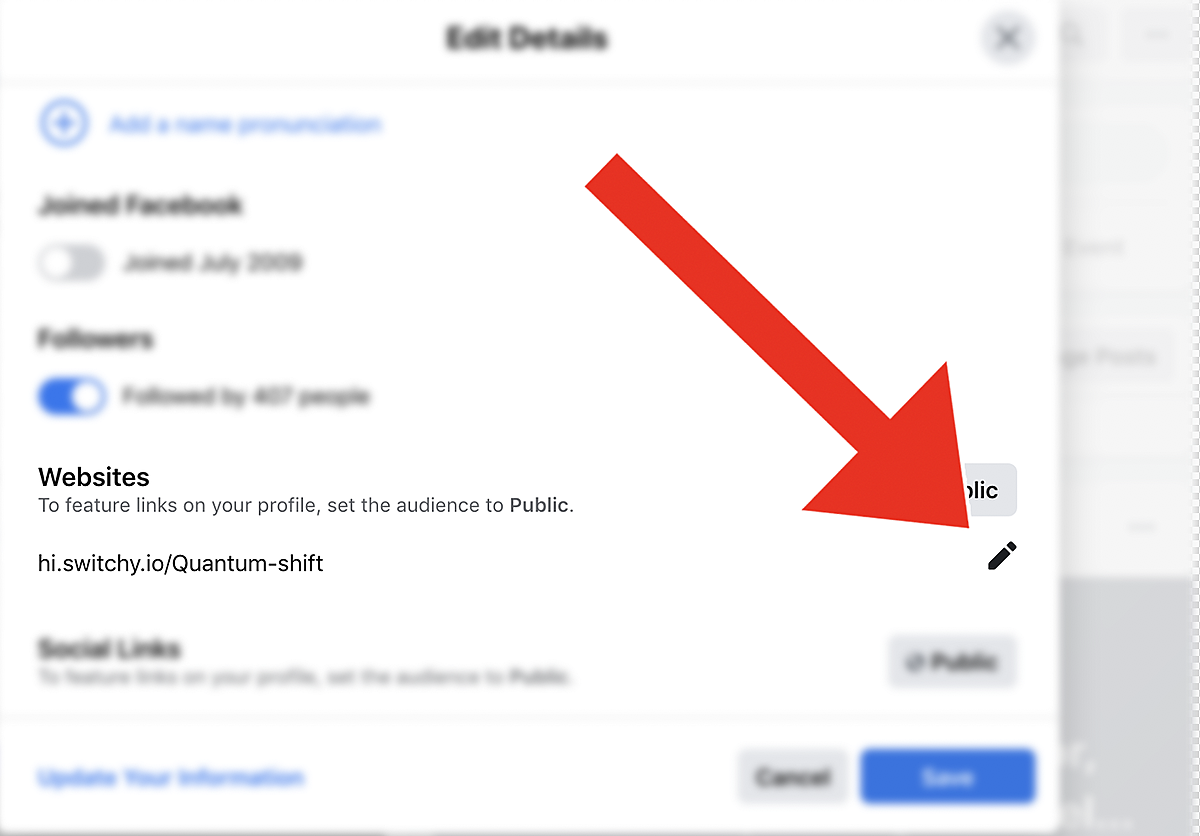
3. Add your group Link
4. Save Update
How to add your Link
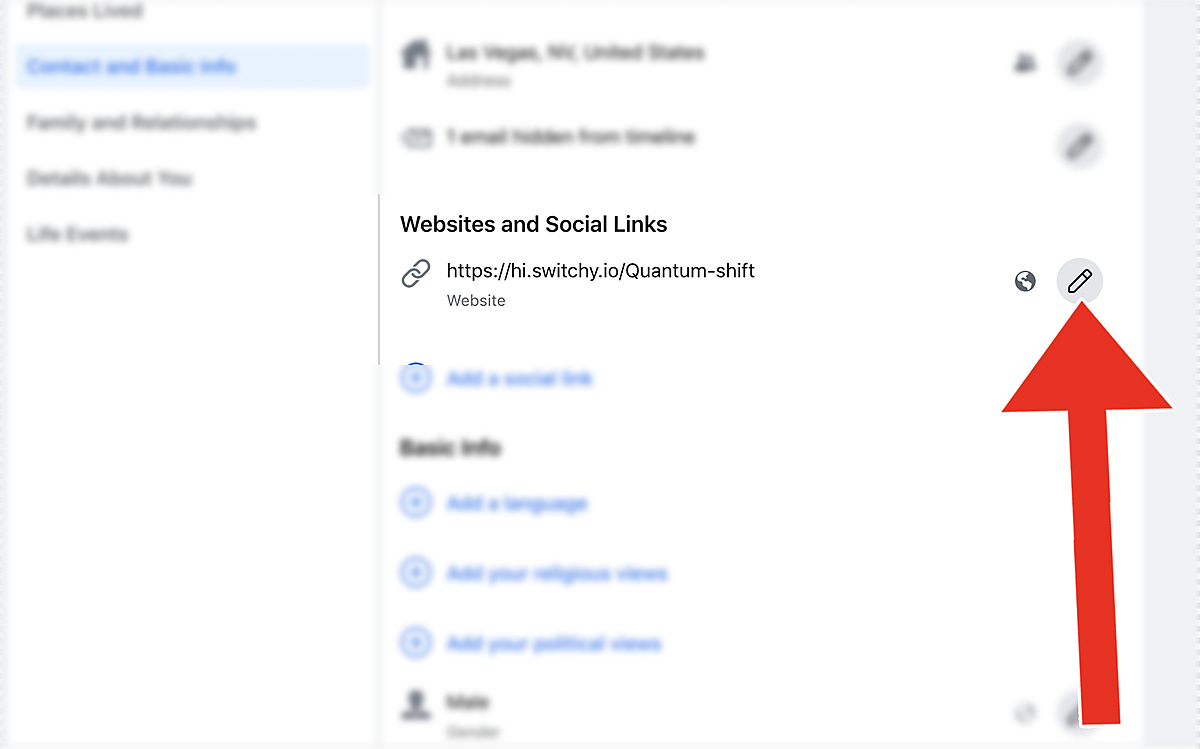
1. Click on Edit Website Pencil
Implementation Accelerator - The Profile Funnel
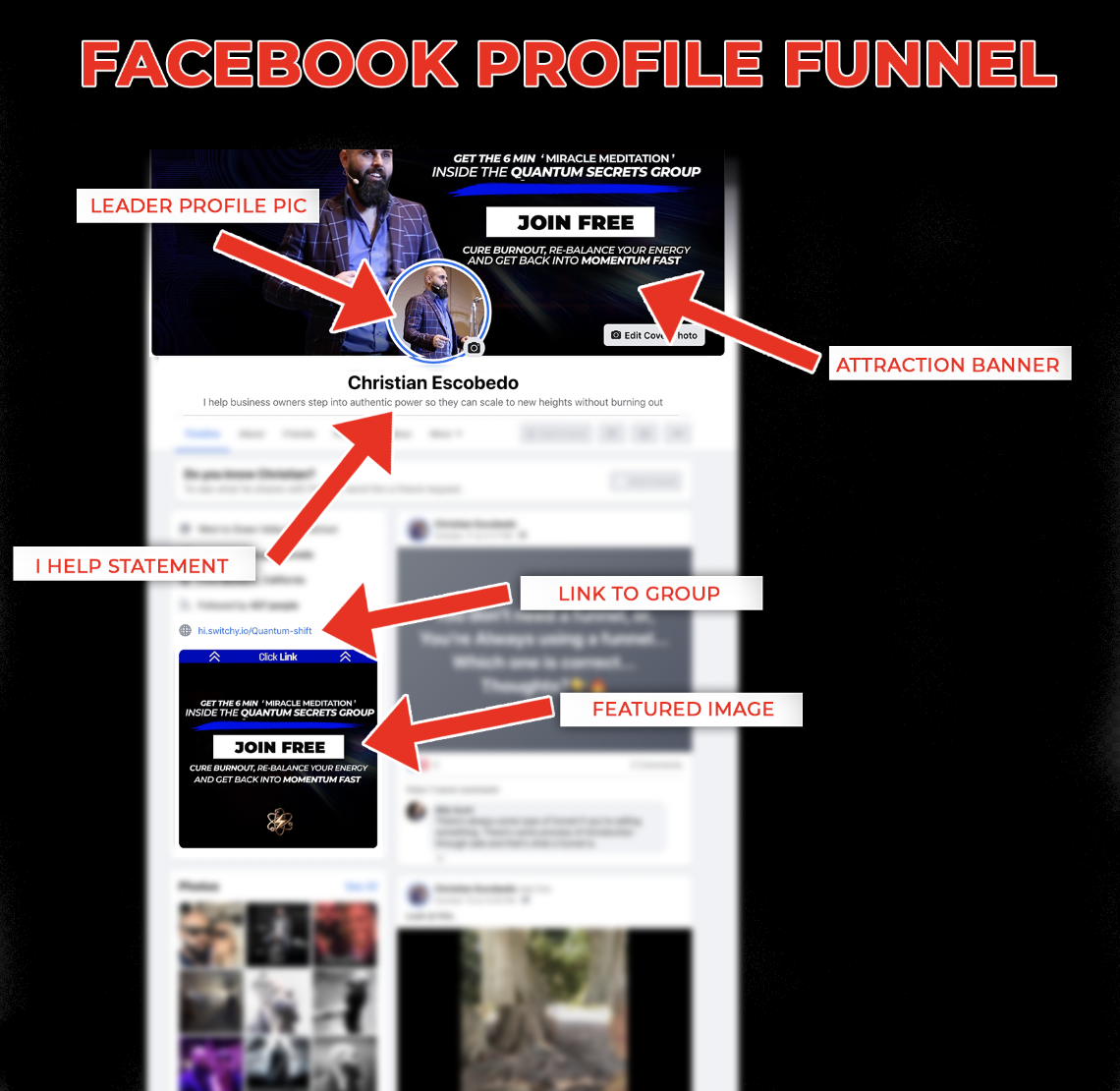
Wrapping Up Your Profile Funnel (Your profile funnel should look like the one below.)
Now that you have completed all the steps you have turned your facebook profile into a serious lead machine thats works for you 24/7. In the next phase we will cover how to drive qualified leads to your new profile asset and how to convert them into sales using a free facebook group.
Implementation Accelerator - The Profile Funnel